






In this step-by-step guide, we will show you how to replace the display cover on your VMAX VX5 e-scooter yourself.
Tools required
- Allen key 2.5 mm
- Allen key 3 mm
- Allen key 5 mm
- Small Phillips screwdriver
Instructions
Detach the left-hand operating elements
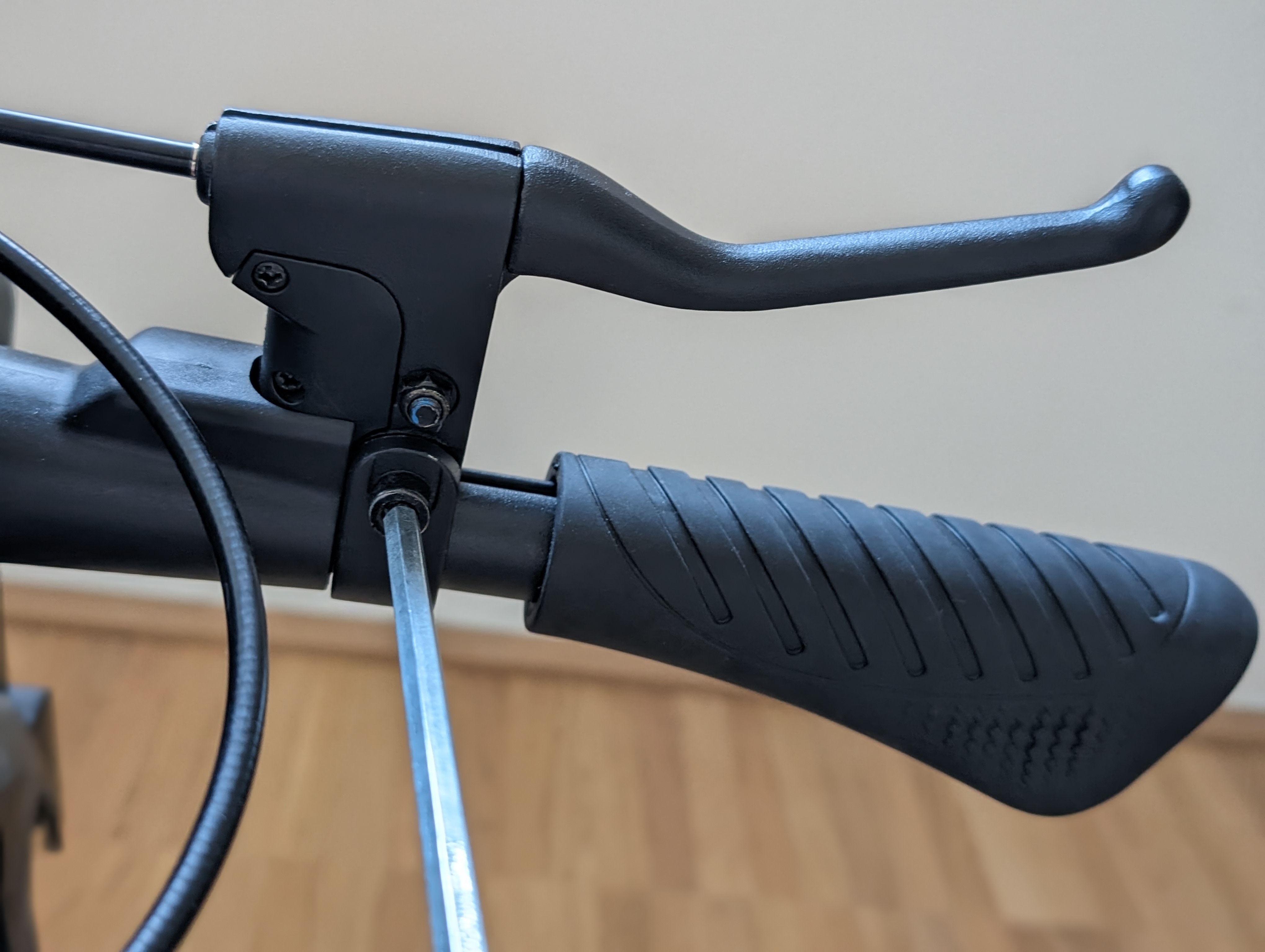
To remove the display cover, you must first push aside the decorative tubes to the left and right of the display holder.
To do this, loosen the brake lever on the left-hand side. You do not have to remove the screws completely - it is sufficient to loosen them enough to allow the elements on the handlebars to be moved.
Loosen the right-hand controls
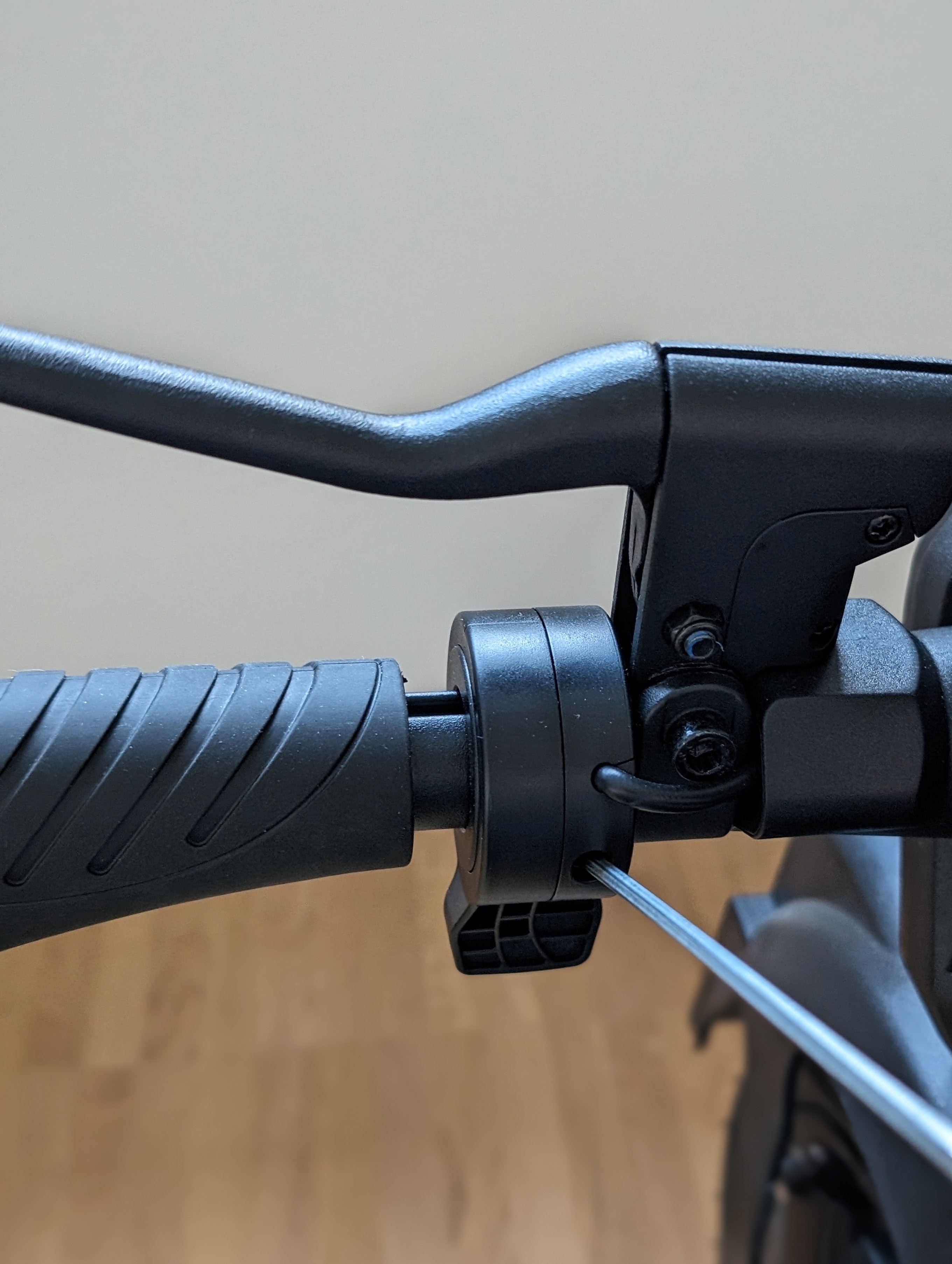
Then loosen the thumb throttle and the brake lever on the right-hand side so that you can move the elements here too.
Expose the display cover
Now slide the decorative tubes and the detached controls to the side until all four screws of the display cover are visible.
Loosen the display cover
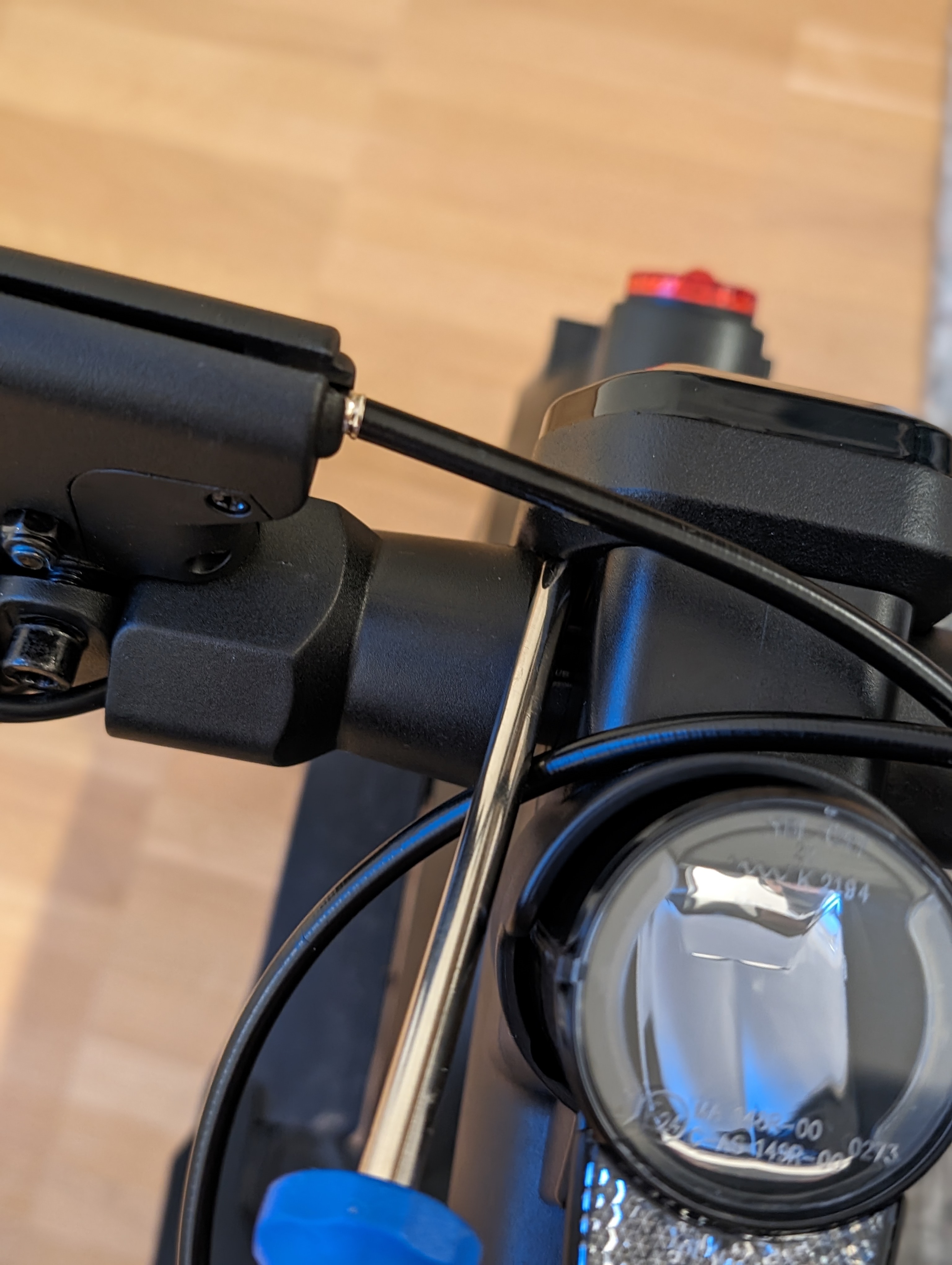
Loosen the four screws on the display cover and carefully remove it.
Fitting the new display cover
Remove the old cover and insert the new display cover.
Screw the cover back on and then put all the controls and the decorative tubes back in their original position.
Check the result
After reassembly, check that the display cover is correctly seated and that all operating elements are tight again. are mounted. Also check that the elements on the handlebars can move freely.
Frequently asked questions
Here you will find answers to frequently asked questions about this repair.
Do I have to completely dismantle all the controls?
No, it is sufficient to loosen the screws so that you can move the elements on the handlebars.
Why do I have to move the decorative tubes?
The decorative tubes cover the screws of the display cover. Only by moving them do you gain access to the fastening screws.
What do I do if the controls cannot be moved?
Check whether the screws are sufficiently loose. If necessary, loosen them a little further, but do not remove them completely.