


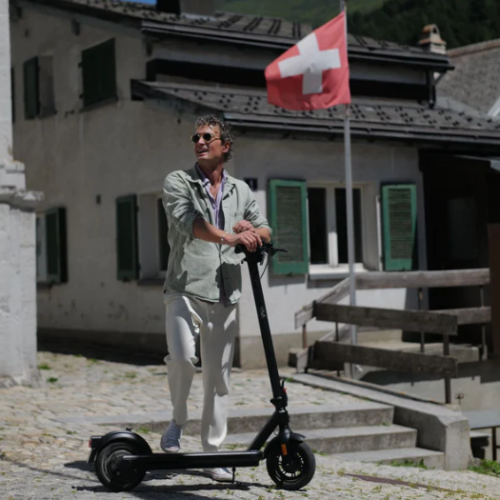



In this step-by-step guide, we will show you how to replace the display cover on your VMAX e-scooter VX2 PRO yourself.
Tools required
- Allen key 2.5 mm
- Allen key 3 mm
- Allen key 5 mm
- Small Phillips screwdriver
- New display cover
Instructions
Loosen the right handlebar side
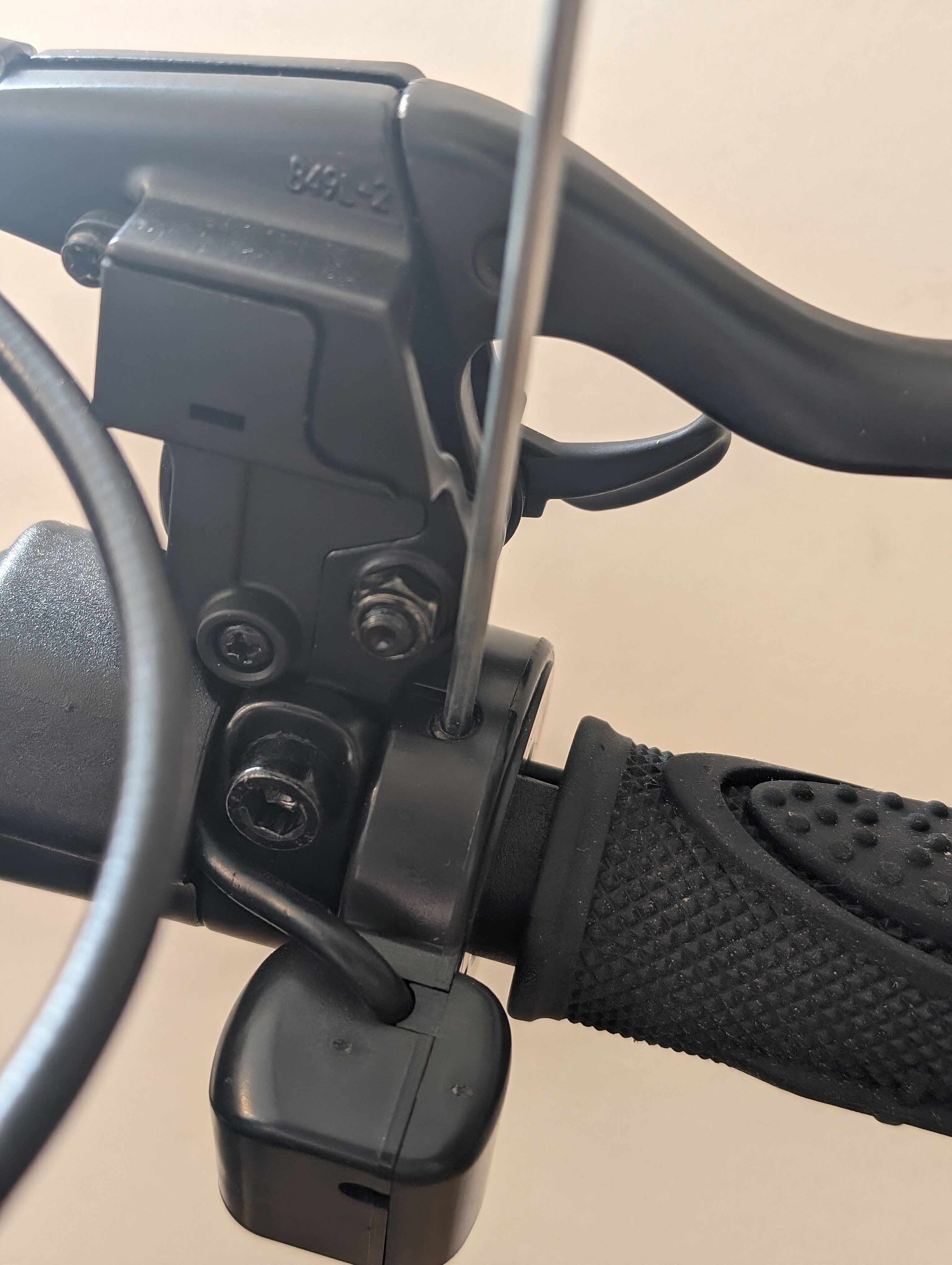
To remove the display cover, you must first push both decorative tubes to the left and right of the display holder to the side.
To do this, loosen the switch for the blinker and the brake lever on the right-hand side. The screws do not have to be removed completely. Loosen them just enough to allow you to move the elements on the handlebars.
Moving components on the right-hand side
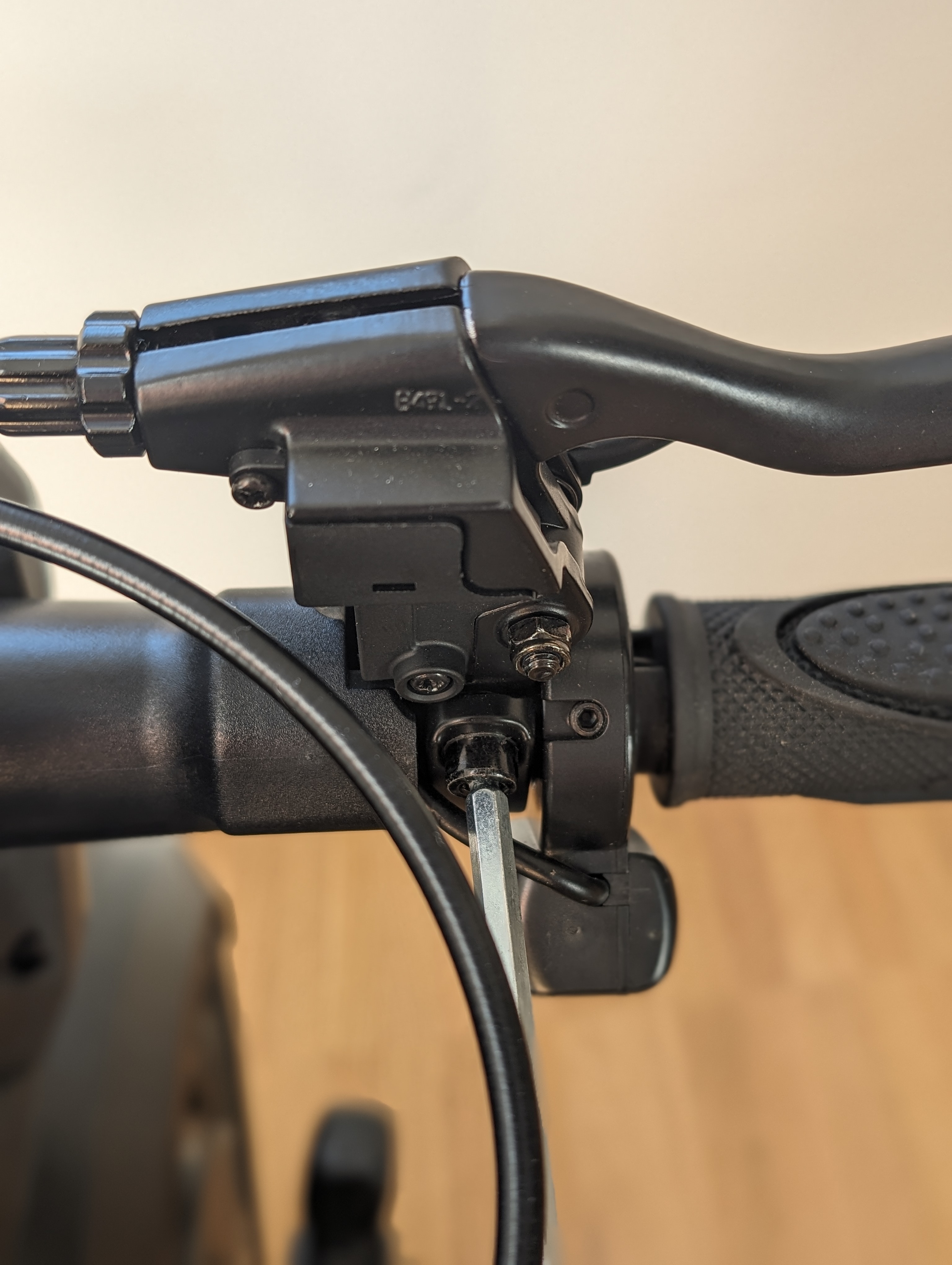
Carefully move the loosened components to the side so that you have more space around the display holder.
Preparing the left handlebar side
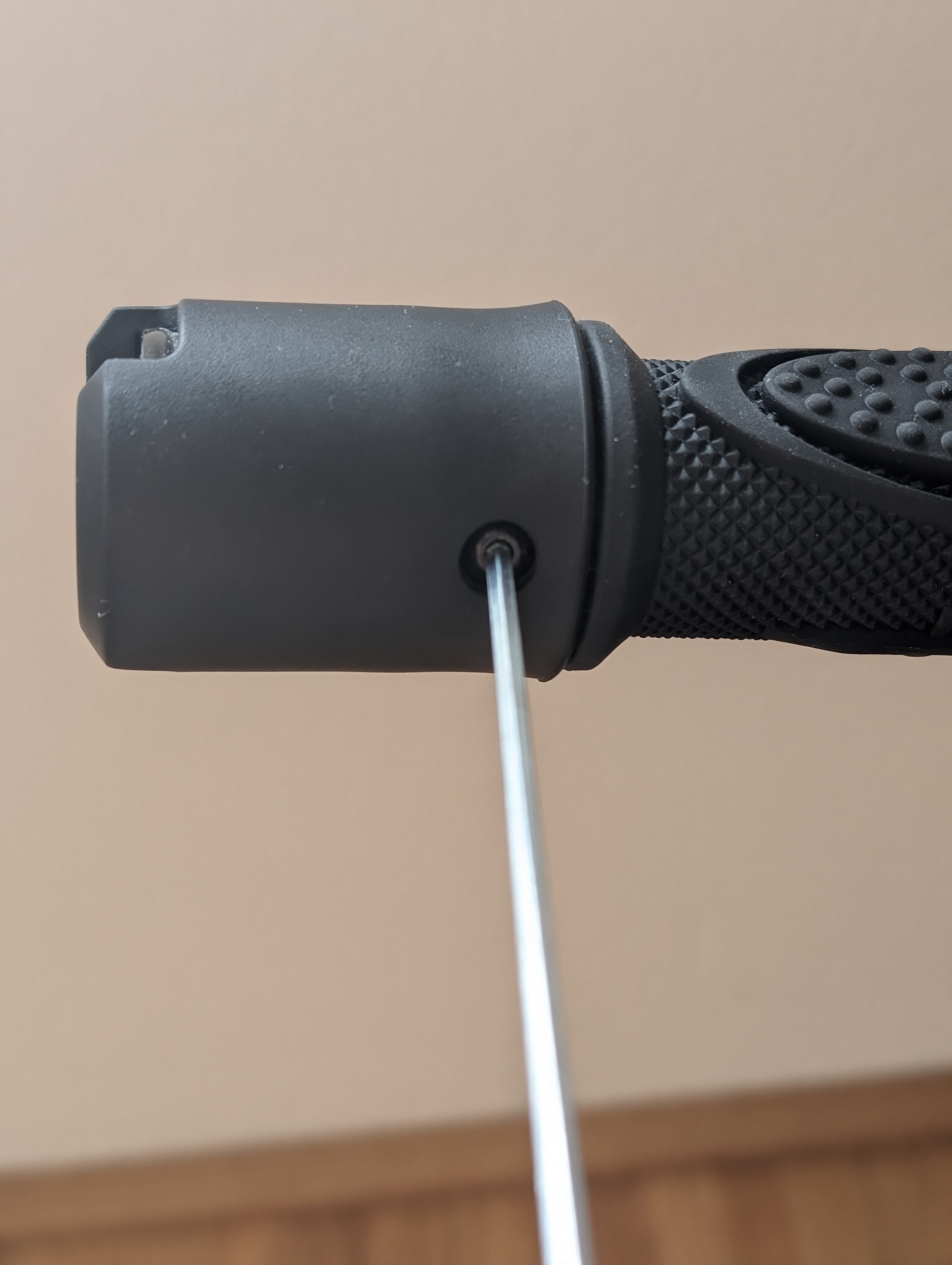
There is slightly less space on the handlebars on the left-hand side. To create enough space, start with the blinker, detach it and pull it off the end of the handlebars.
Release the thumb throttle and brake lever
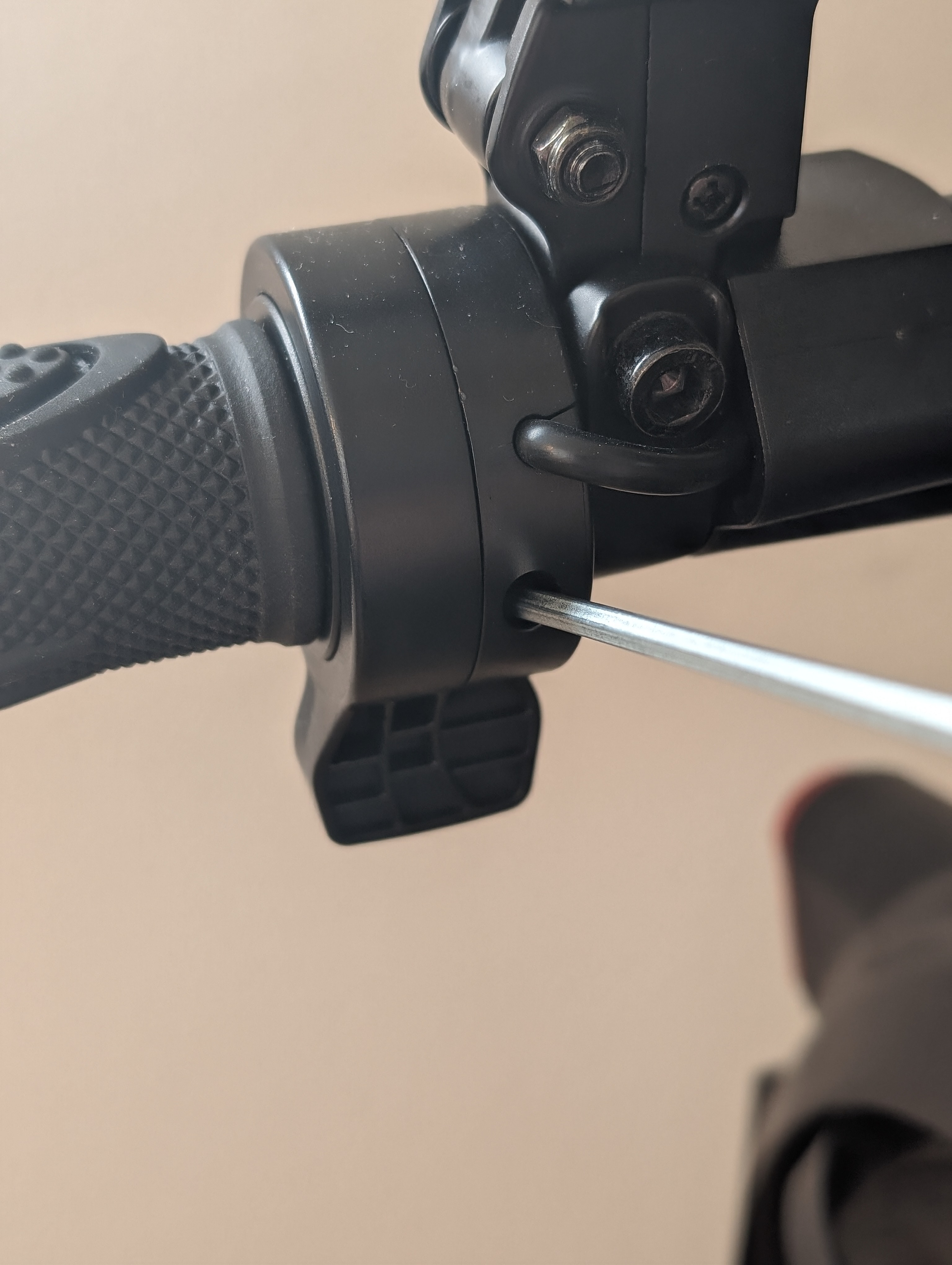
You can then move the plastic handle slightly outwards and then release the thumb throttle and brake lever.
Unscrew the display cover
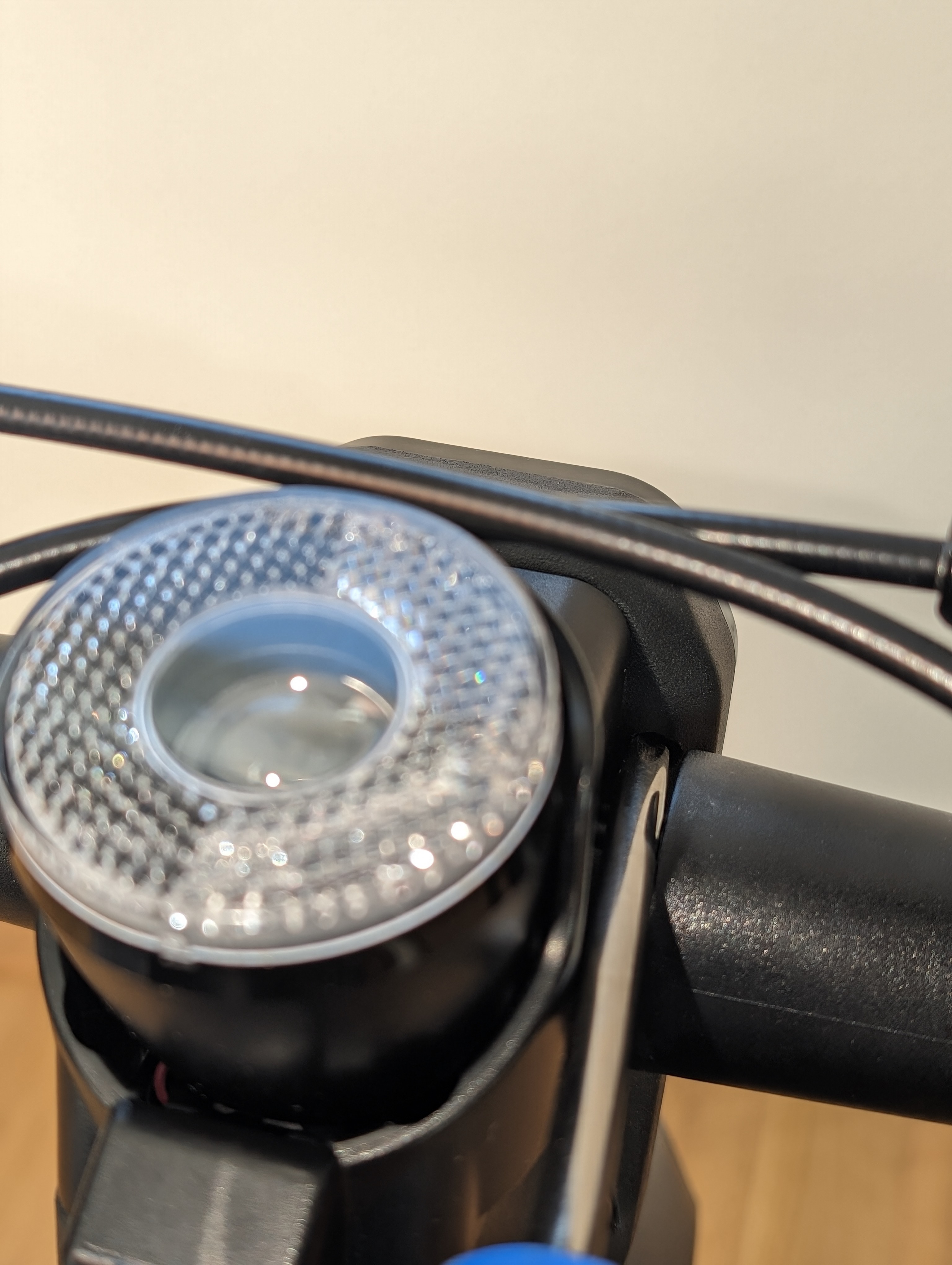
All four screws on the display cover are now exposed. Loosen them carefully with the appropriate tool.
Fitting the new display cover
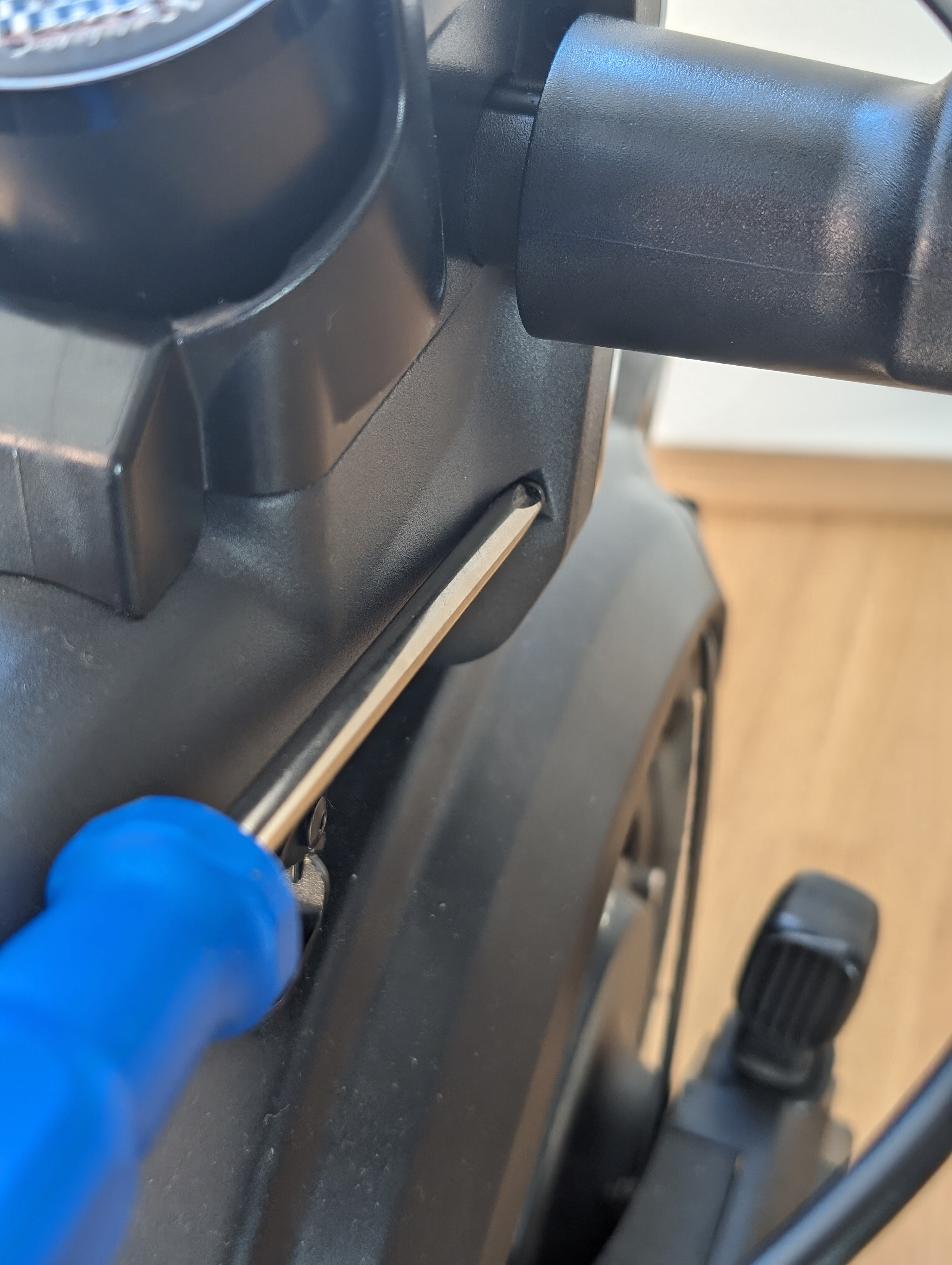
Insert the new display cover and screw it back on cleanly. Then put all previously removed components back in their original position in reverse order.
Check the result
After reassembly, check that the display cover is properly seated and firmly screwed in place. Also check that the indicators, brake lever and thumb throttle are correctly positioned and securely fastened.
Frequently asked questions
Here you will find answers to frequently asked questions about this repair.
Do I have to remove the screws completely to move the handlebar components?
No. As a rule, it is sufficient to loosen the screws just enough to allow the components to be moved carefully on the handlebars.
What do I do if I have too little space on the left-hand side?
First loosen the blinker at the end of the handlebars and pull it off. You can then move the handle slightly outwards and gain more space for the next steps.
What should I do if the new display cover does not fit properly?
Check that the cover is correctly aligned and that all four screws have been tightened evenly. Do not tighten the screws on one side only so that the cover fits properly.