


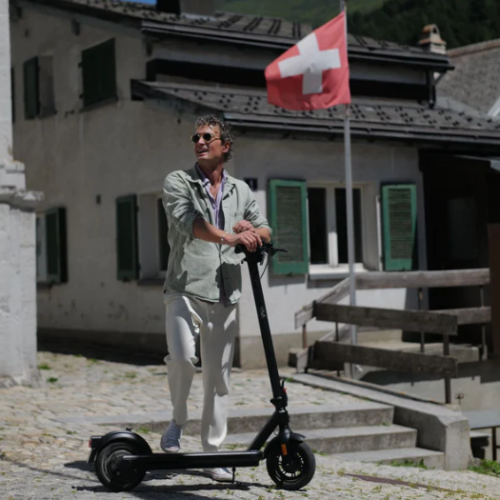



In this guide, we will show you step by step how to replace the controls on the steering bridge of your VMAX e-scooter VX2 PRO yourself.
Tools required
- Allen key 2.5 mm
- Allen key 3 mm
- Allen key 5 mm
- Scissors
- Insulating tape or shrink tubing
- Hot air dryer or lighter
You can find all suitable spare parts for your VX2 PRO here: View spare parts
Instructions
Disconnect the front light
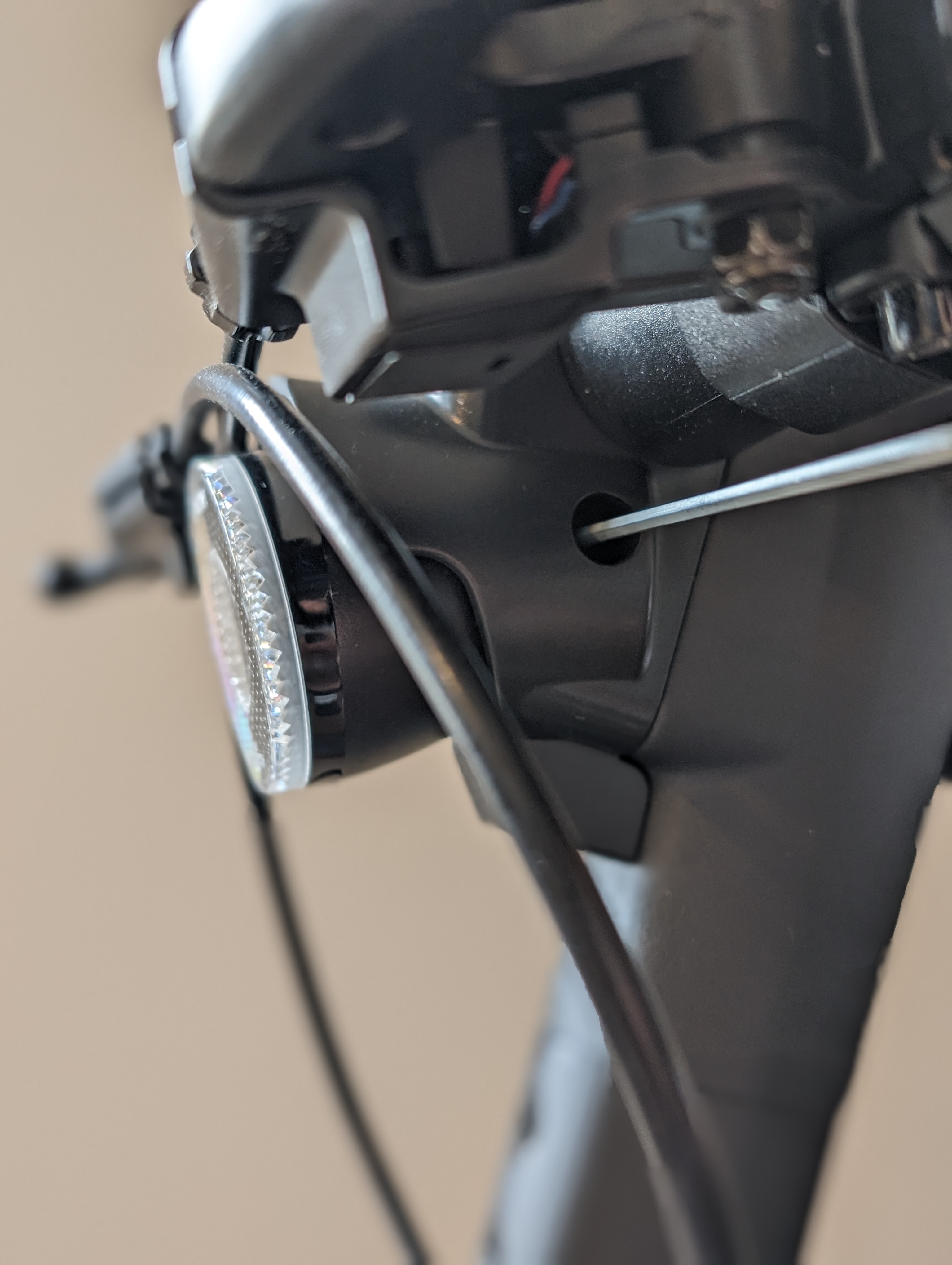
The wiring of your steering bridge is hidden behind your front light. Therefore, first detach the front light by removing the retaining screw behind this hole.
Remove the cover of the front light
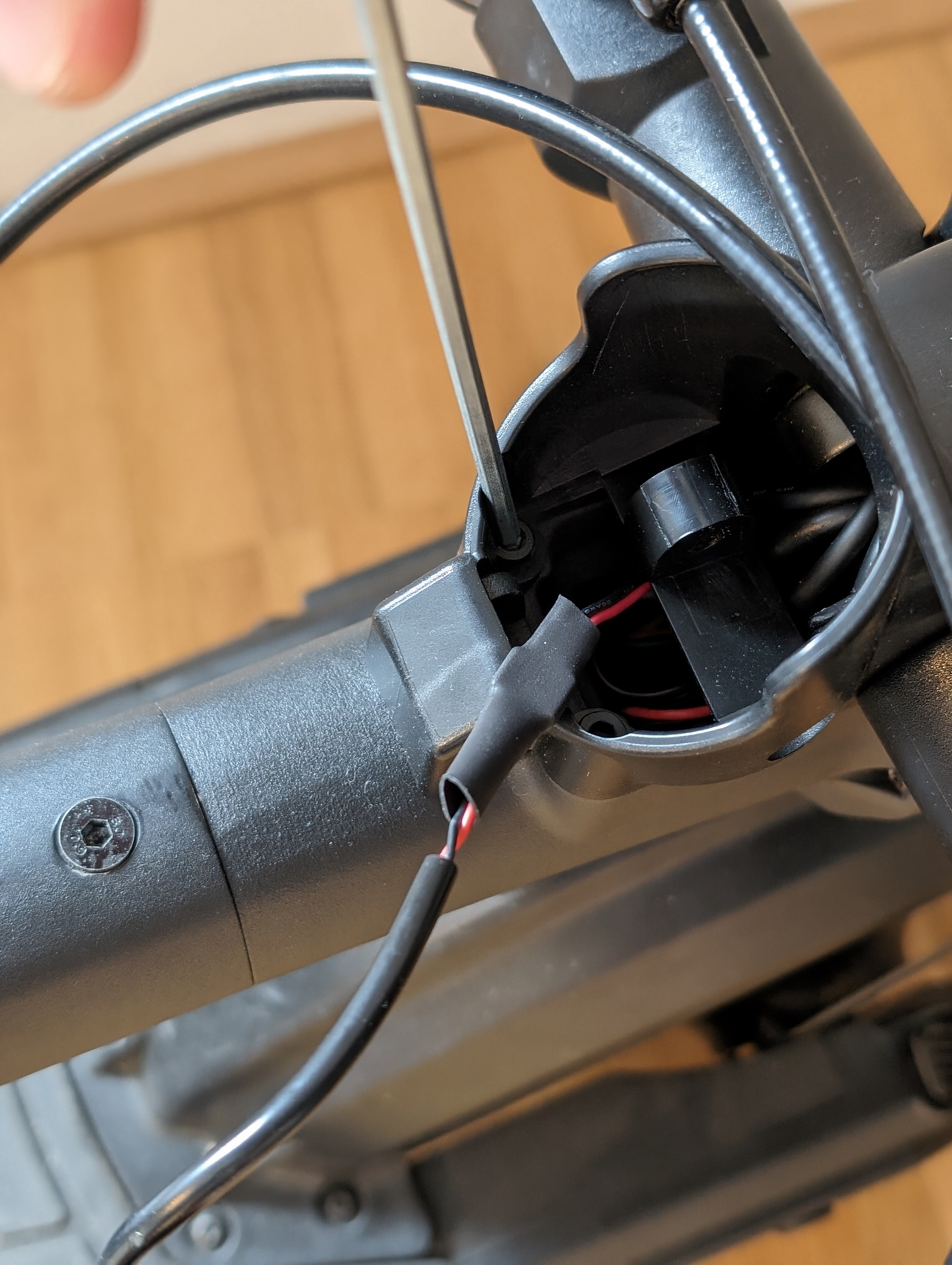
Now you can see the two screws holding the light cover in place. You can now remove these as well.
Loosen the clamping device of the handlebar
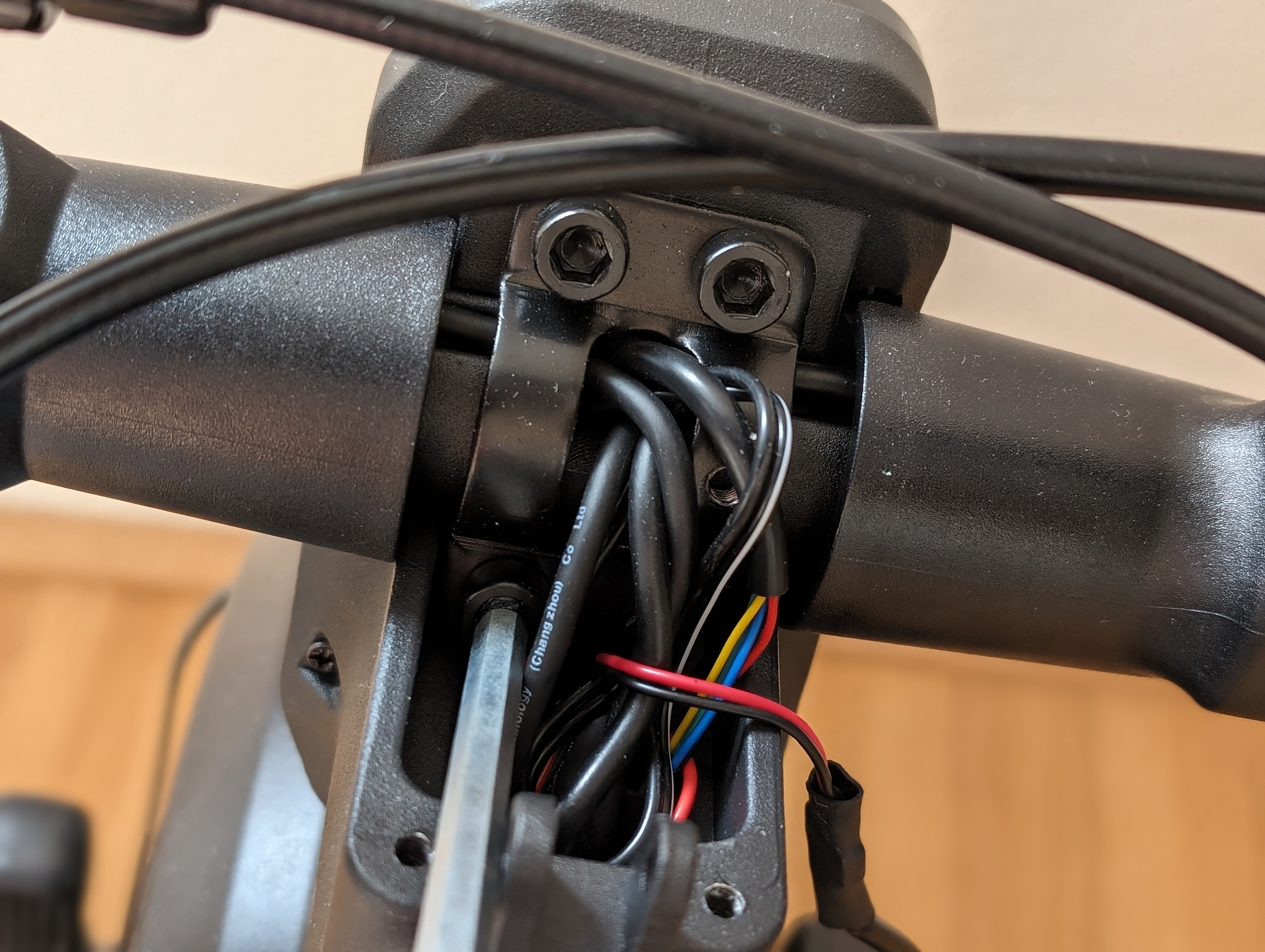
You can then loosen the handlebar clamp. This is screwed into the handlebar head with four Allen screws.
Loosen the affected control elements on the desired side
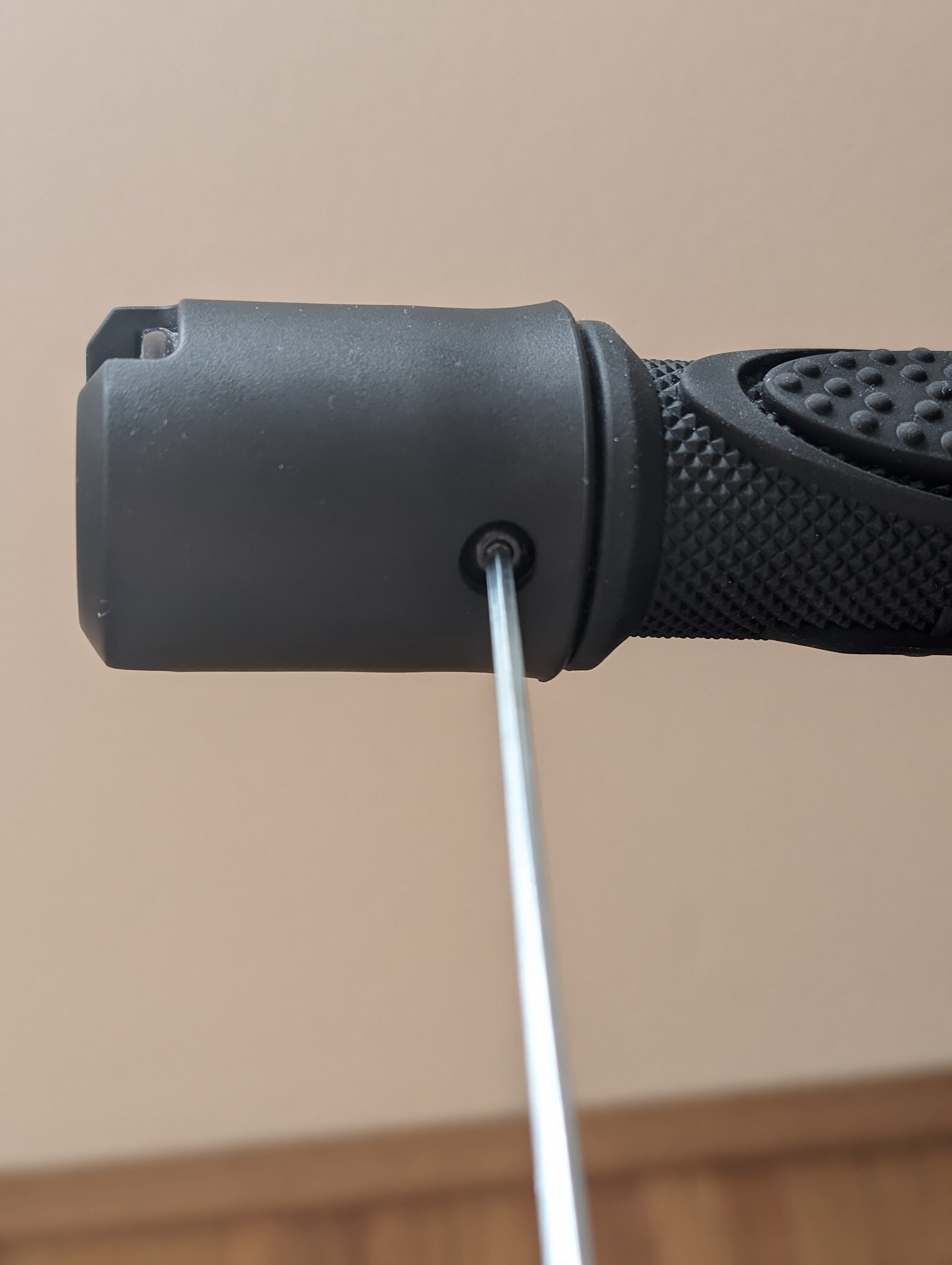
Depending on which control element you want to change, you must loosen all elements on the corresponding side of the scooter so that you can route the cables inside the handlebar.
To do this, loosen the respective clamping screws and the screw under the blinker.
Detach the thumb throttle
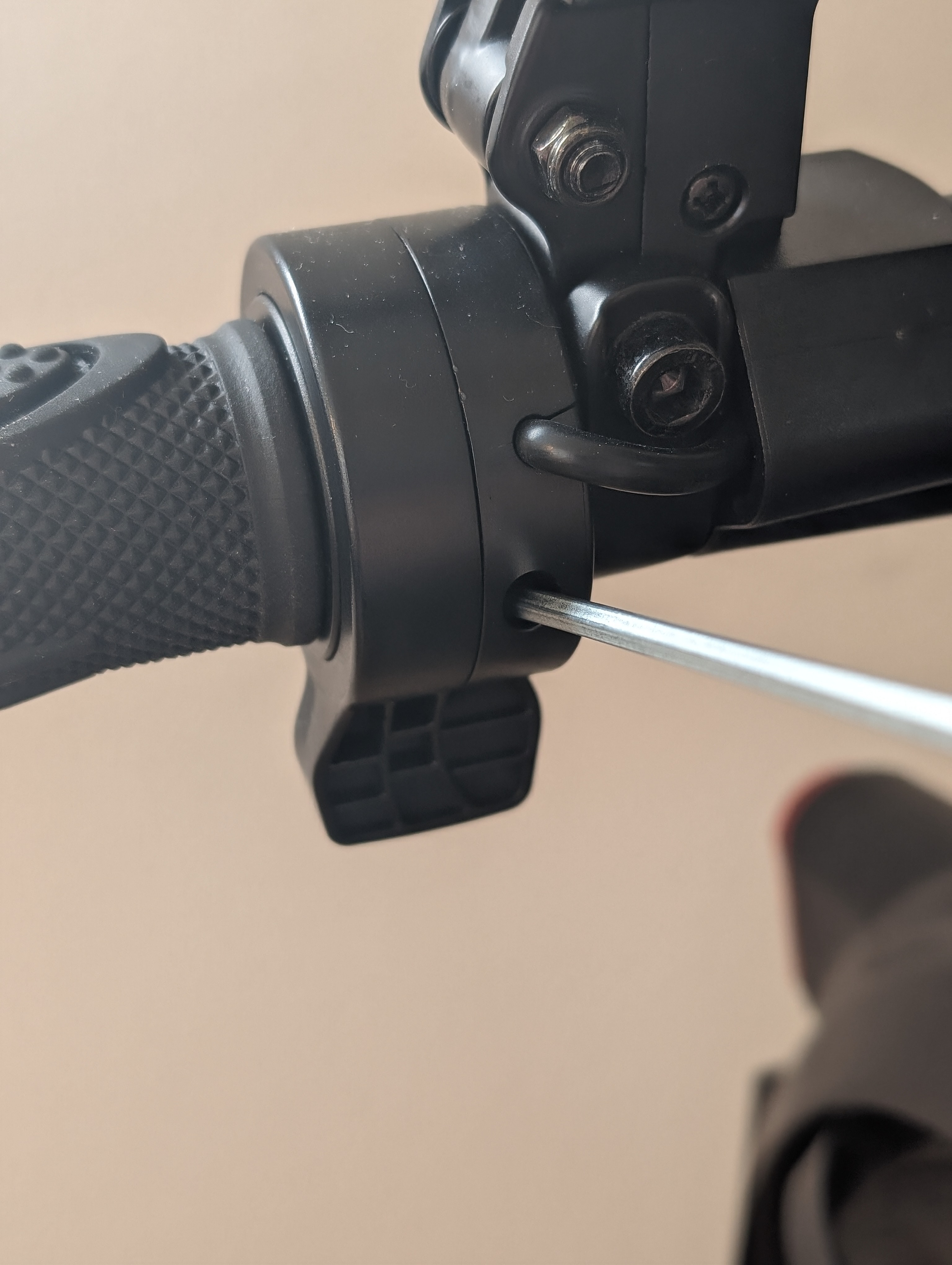
If necessary, also loosen the thumb throttle so that you can lead the corresponding cable cleanly out of the steering bridge.
Loosen the brake lever
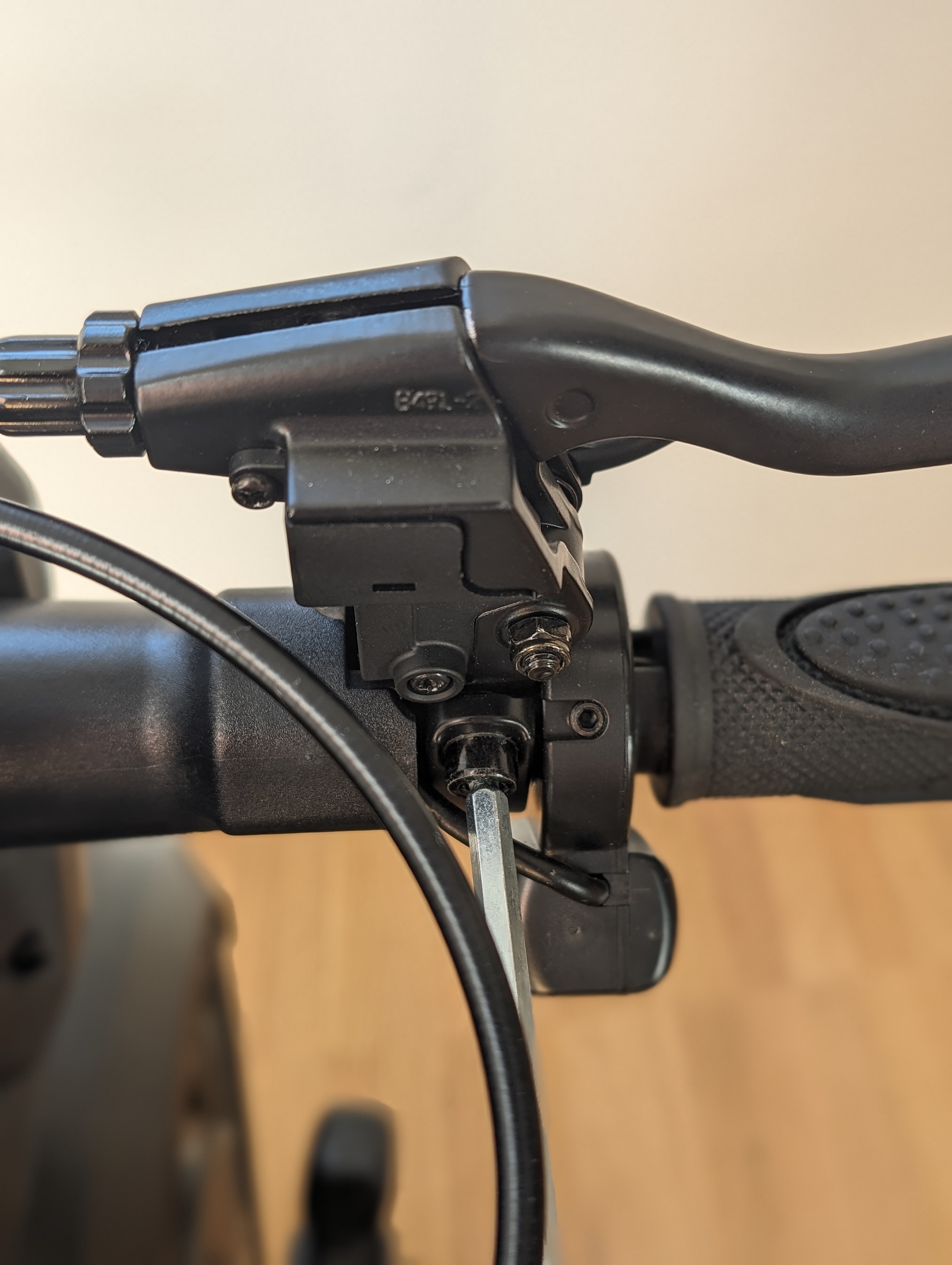
If the element to be replaced is located in this area, also loosen the brake lever on the affected side.
Detach the blinker switch
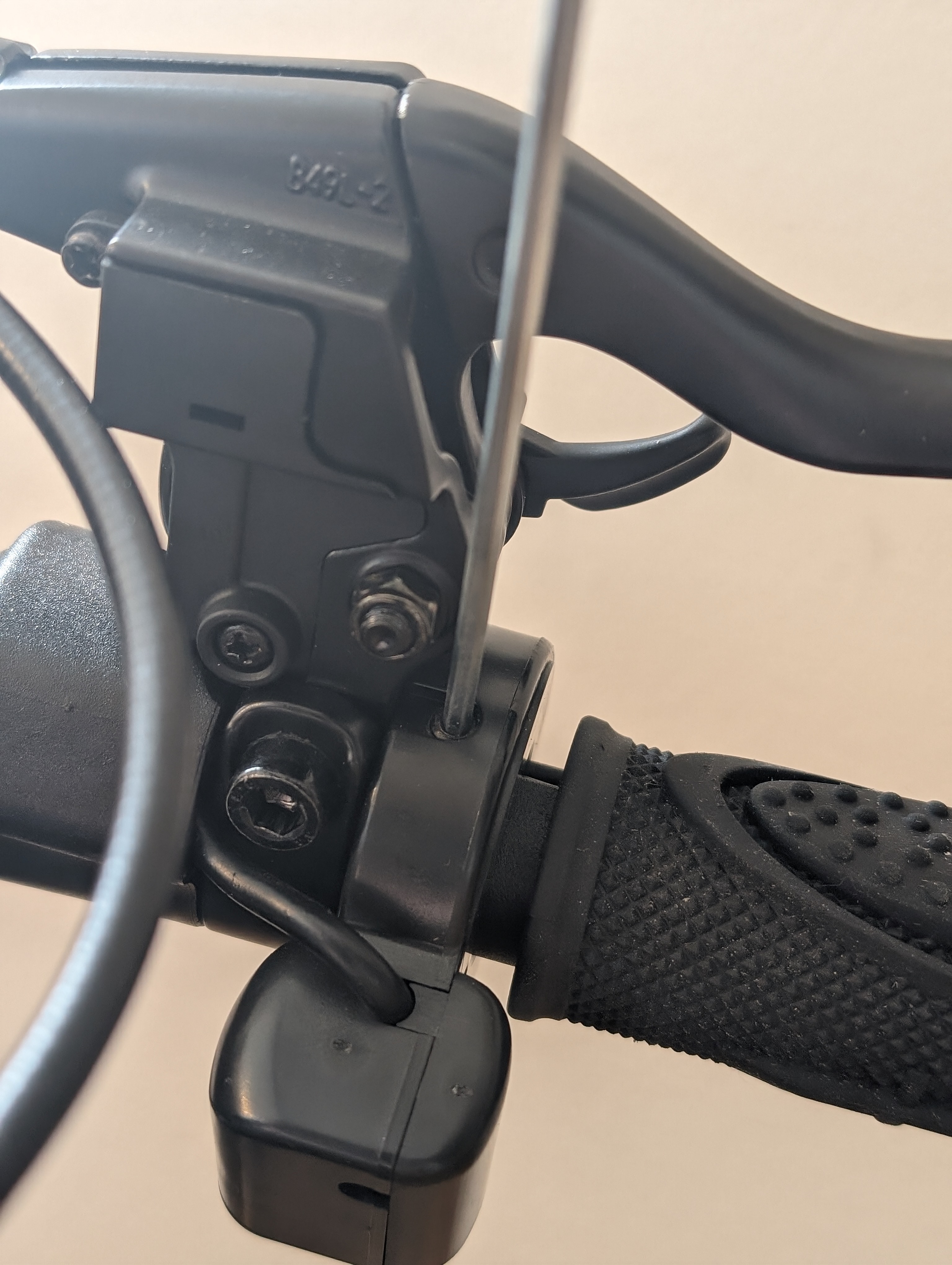
If necessary, also detach the blinker switch so that you can remove all the required cables and elements from the steering bridge.
Expose the plug connections and replace the control element
Then loosen the shrink tubing of the corresponding blinker and the elements that you want to replace. Pull these elements off the steering bridge.
Before fitting new elements, prepare the heat-shrink tubing if necessary and fit it over the plug connections.
Fit new controls and insulate wiring
Then reattach all elements to the handlebars and carefully insulate the plug connections with insulating tape or shrink tubing.
Refit the handlebar and front light
Now reattach the handlebars under the steering head and then fit the front light cover and the light itself.
Check the result
After assembly, check that all controls are firmly in place and function correctly. In particular, check the indicators, brake lever, thumb throttle and, if necessary, the blinker switch. The front light and cover should also be properly fitted and securely fastened.
Frequently asked questions
Here you will find answers to frequently asked questions about this repair.
Do I always have to loosen all the controls on one side?
You must detach all elements on the affected side if their cables have been disconnected by the inside the handlebars and you don't have enough space to work otherwise.
What do I need shrink tubing or insulating tape for?
You use this to insulate the plug connections cleanly after replacement. This protects the connection and ensures proper wiring.
What do I do if a control element does not work after assembly?
First check all plug connections and make sure that the cables are properly connected and correctly insulated. If the problem persists, the wiring should be checked again technically.