


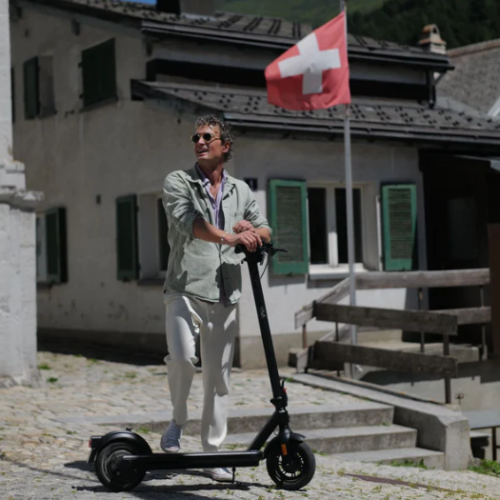



In this guide, we will show you step by step how to replace the display on your VMAX e-scooter VX2 PRO yourself.
Tools required
- Allen key 2.5 mm
- Allen key 3 mm
- Allen key 5 mm
- Phillips screwdriver
- Scissors
- Insulating tape or shrink tubing
- Hot air dryer or lighter
Instructions
Remove the front light
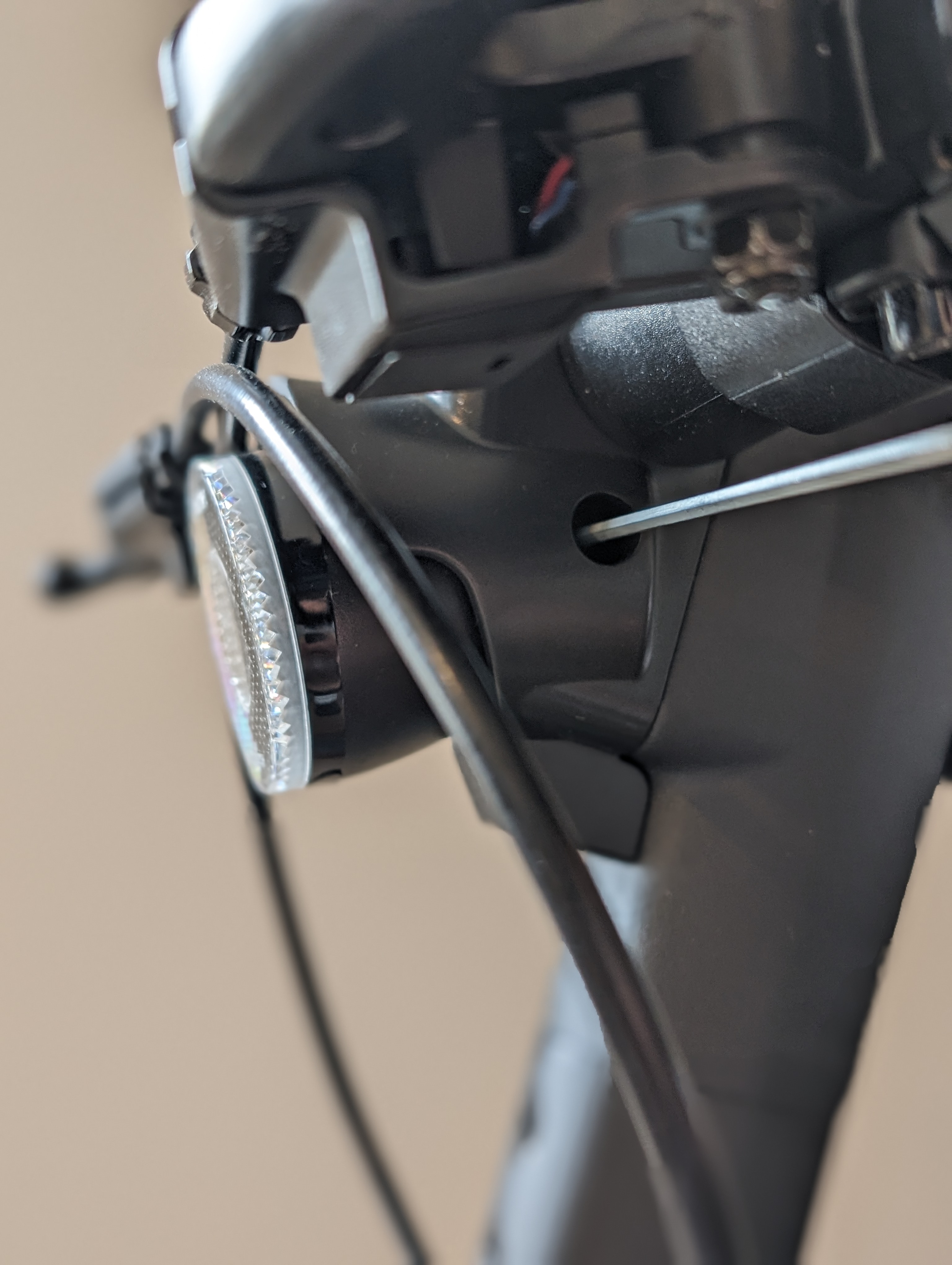
To expose the wiring of the display, first remove the front light.
Remove the light cover
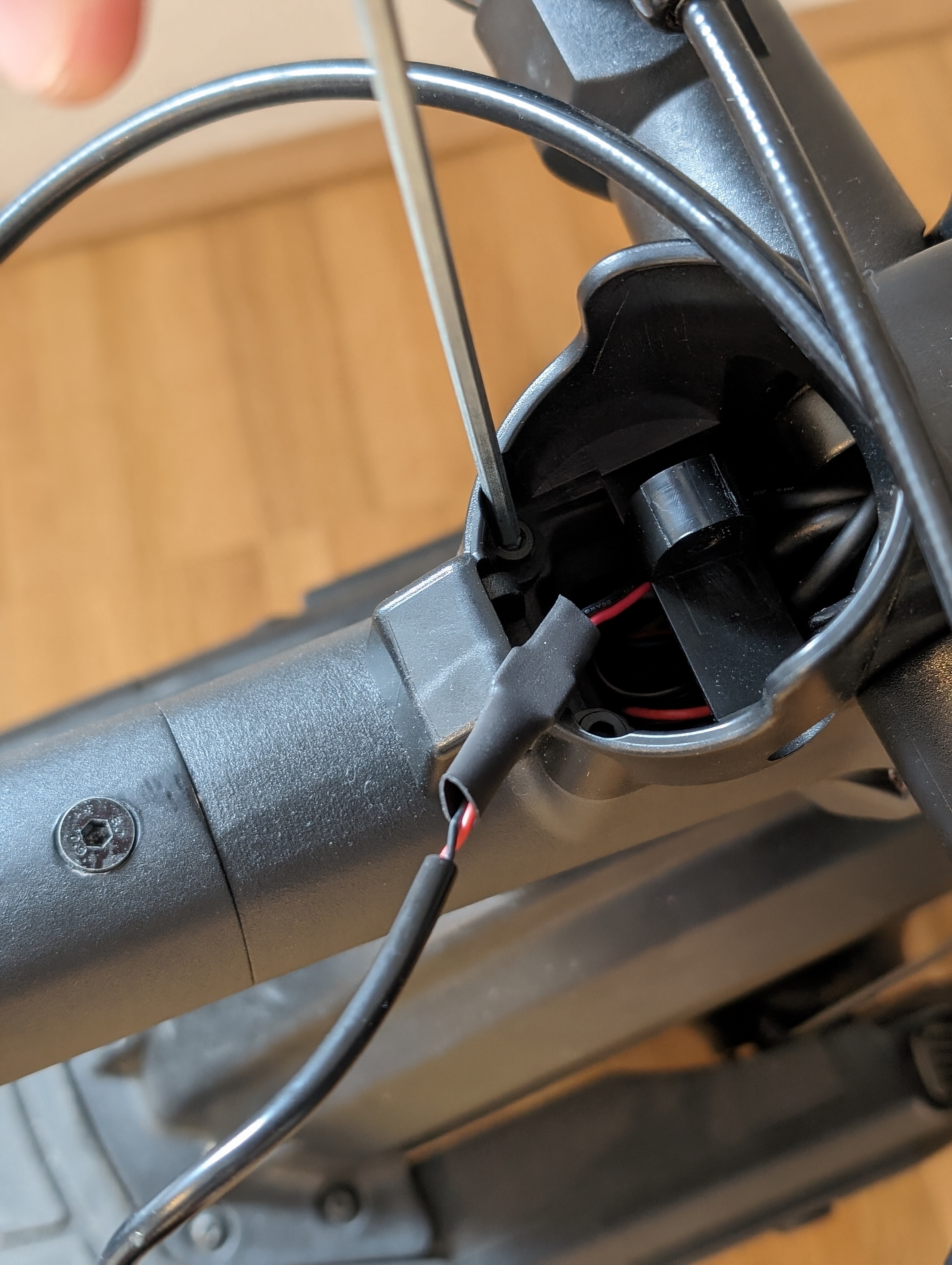
The light cover is then also removed. This is held in place by 2 screws.
Loosen the handlebars
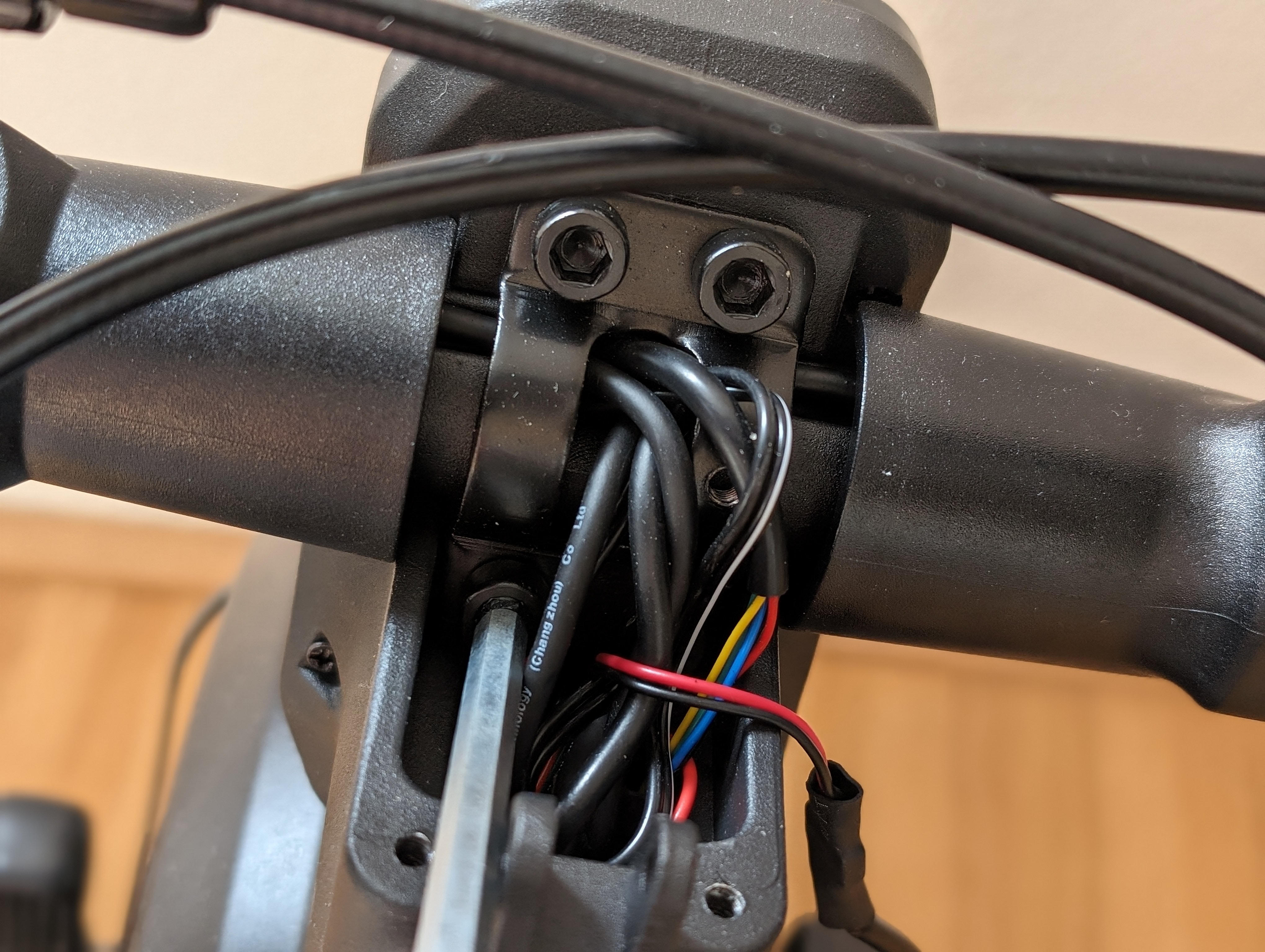
To gain better access to the individual plug connections and the screw connection of the display cover, the handlebars are now loosened.
To do this, carefully loosen all 4 screws crosswise.
Open the handlebar mounting further
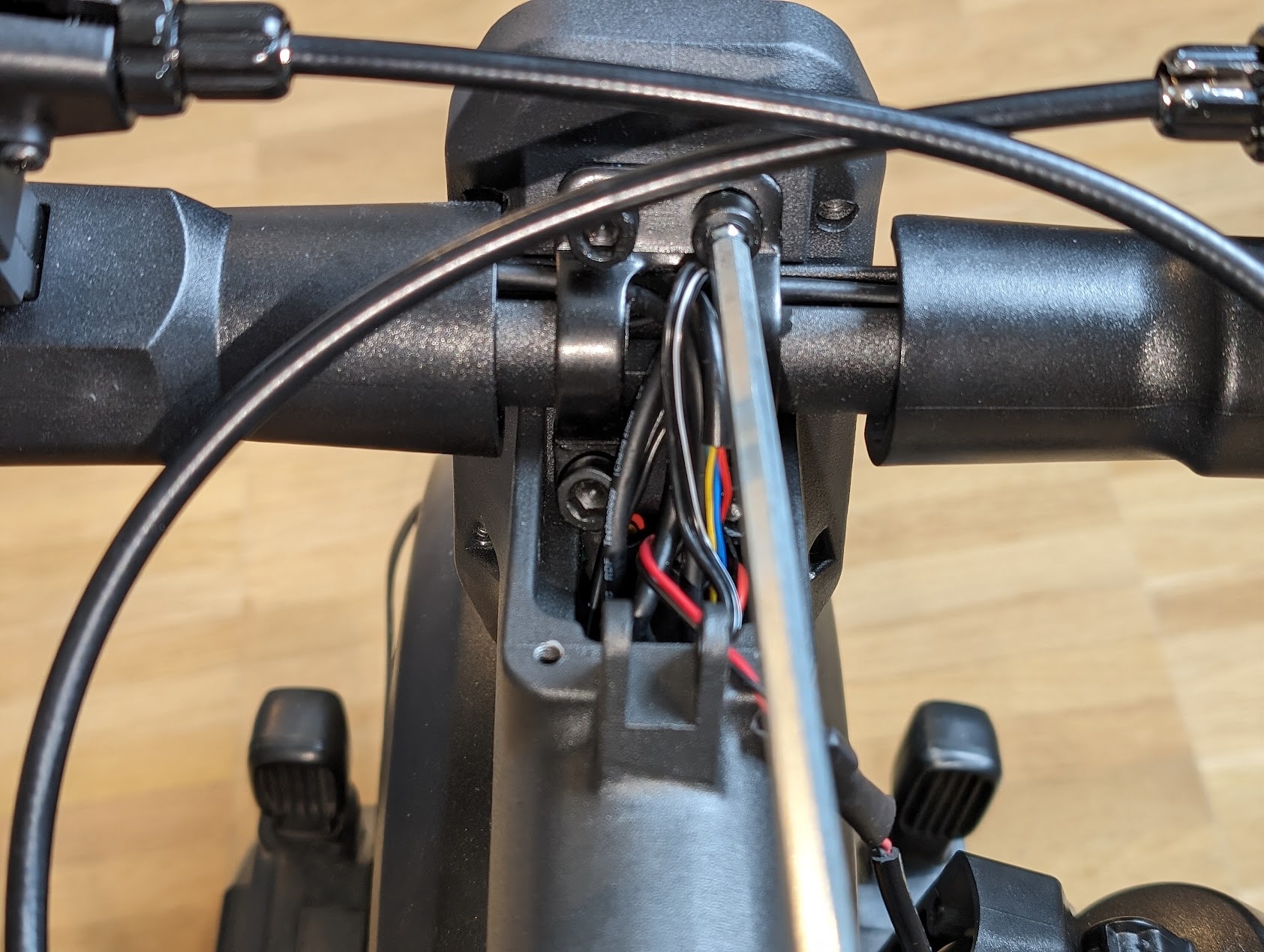
Loosen the 4 screws further so that you have enough space for the next steps.
Remove the display cover and shrink tubing
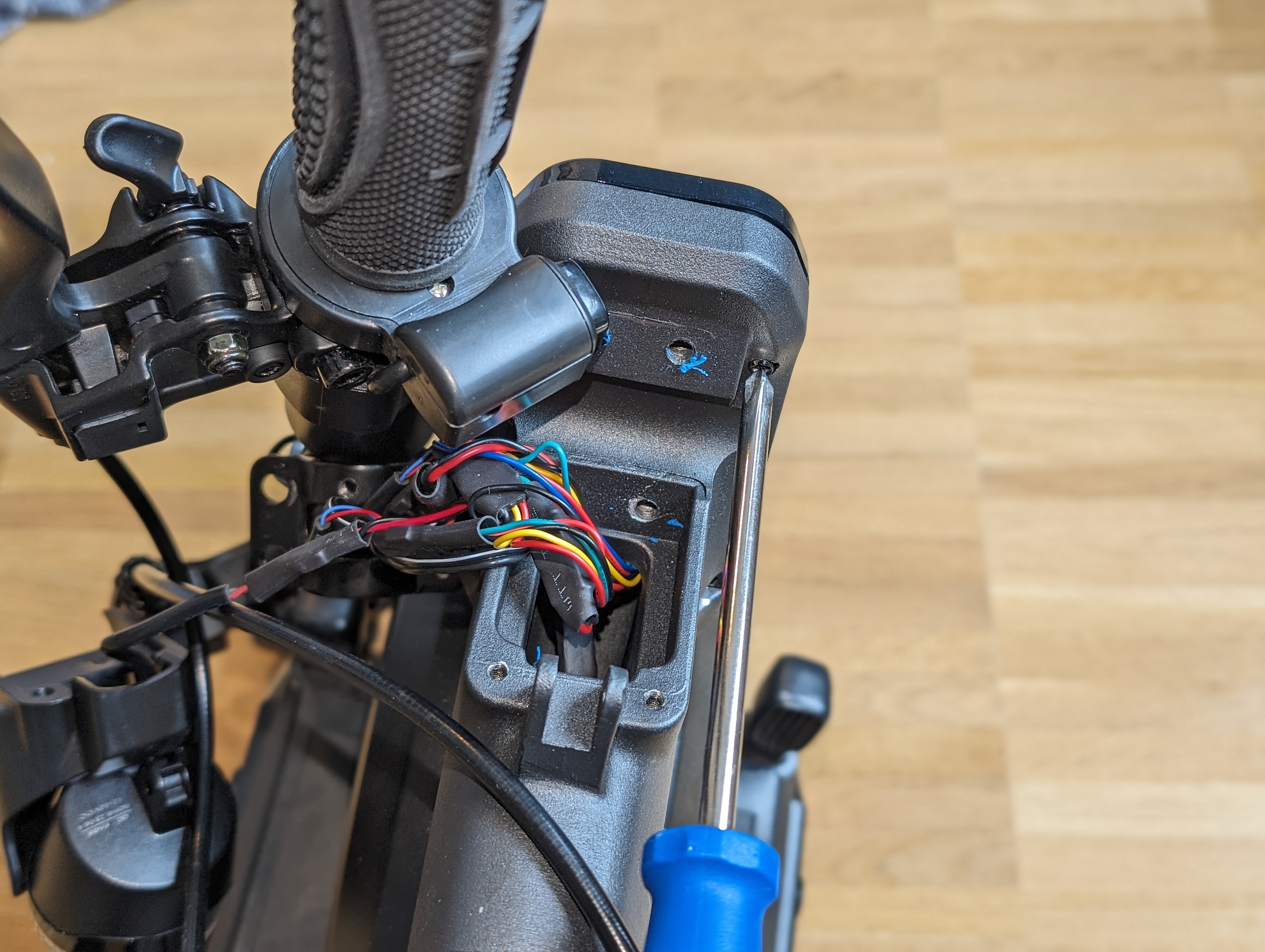
The display cover can now be removed and the heat-shrink tubing removed.
Pulling out the display
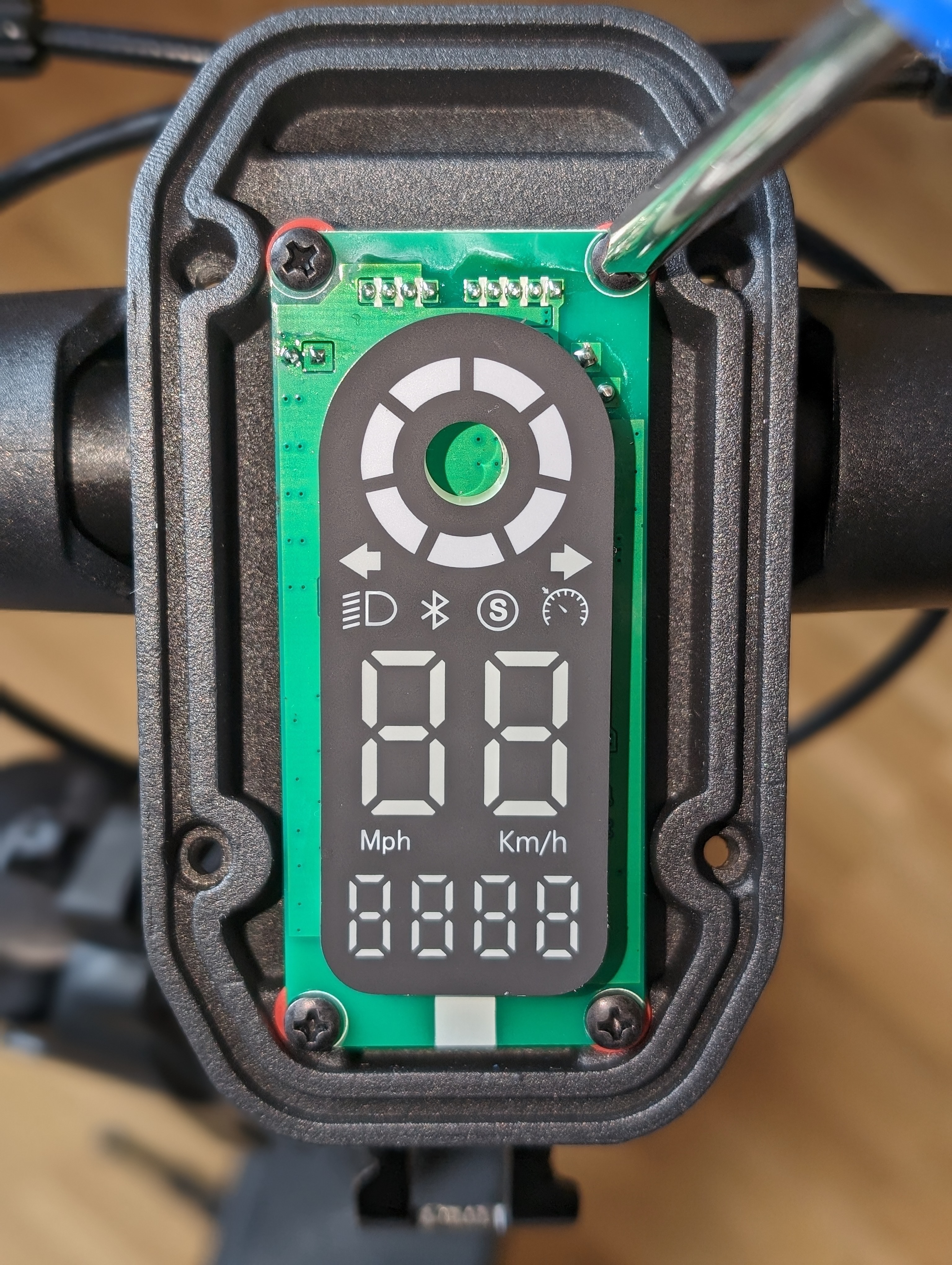
As soon as the display is detached, it can be pulled out upwards, including the cable.
When wiring the new display, make sure to assign the indicators correctly.
Connecting the new display and testing the functions
Wire the new display carefully and assign the indicators correctly.
Ideally, test all functions before screwing the handlebars back together. Then reassemble in reverse order.
Check the result
After assembly, check that the new display is correctly seated and that all functions are working properly. In particular, check the display, lighting, indicators and secure cable routing in the handlebar area.
Frequently asked questions
Here you will find answers to frequently asked questions about this repair.
What should I pay particular attention to when connecting the new display?
Above all, make sure that the indicators are correctly assigned and that all plug connections are properly connected. Also check that no cables are twisted or pinched.
Should I test the display before fully assembling it?
Yes, that makes sense. Ideally, test all functions before you fully reassemble the handlebars and covers.
What do I do if the indicators or lights don't work after changing them?
First check all plug connections and the assignment of the cables again. If something still does not work, the wiring should be checked in more detail.