






In this guide, we will show you step by step how to replace the controls and turn signals on your VMAX e-scooter VX2 PRO by yourself.
Required Tools
- 2.5 mm Allen wrench
- 3 mm Allen wrench
- 5 mm Allen wrench
- Scissors
- Electrical tape or heat shrink tubing
- Heat gun or lighter
Instructions
Remove the cover under the display
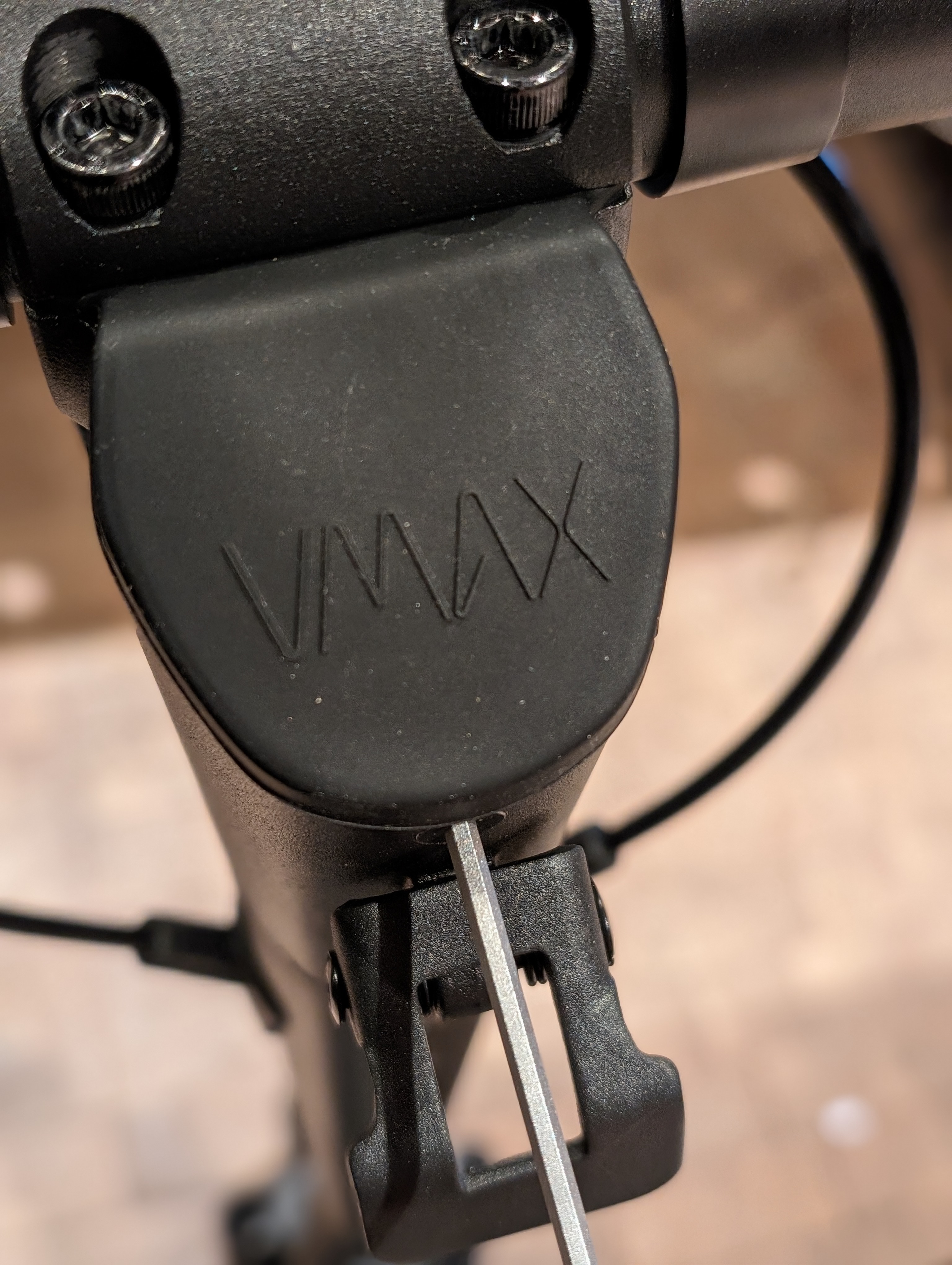
The wiring of your handlebar is hidden in the front stem. To access the necessary cables, first remove the cover beneath your display.
Loosen the clamp of the handlebar
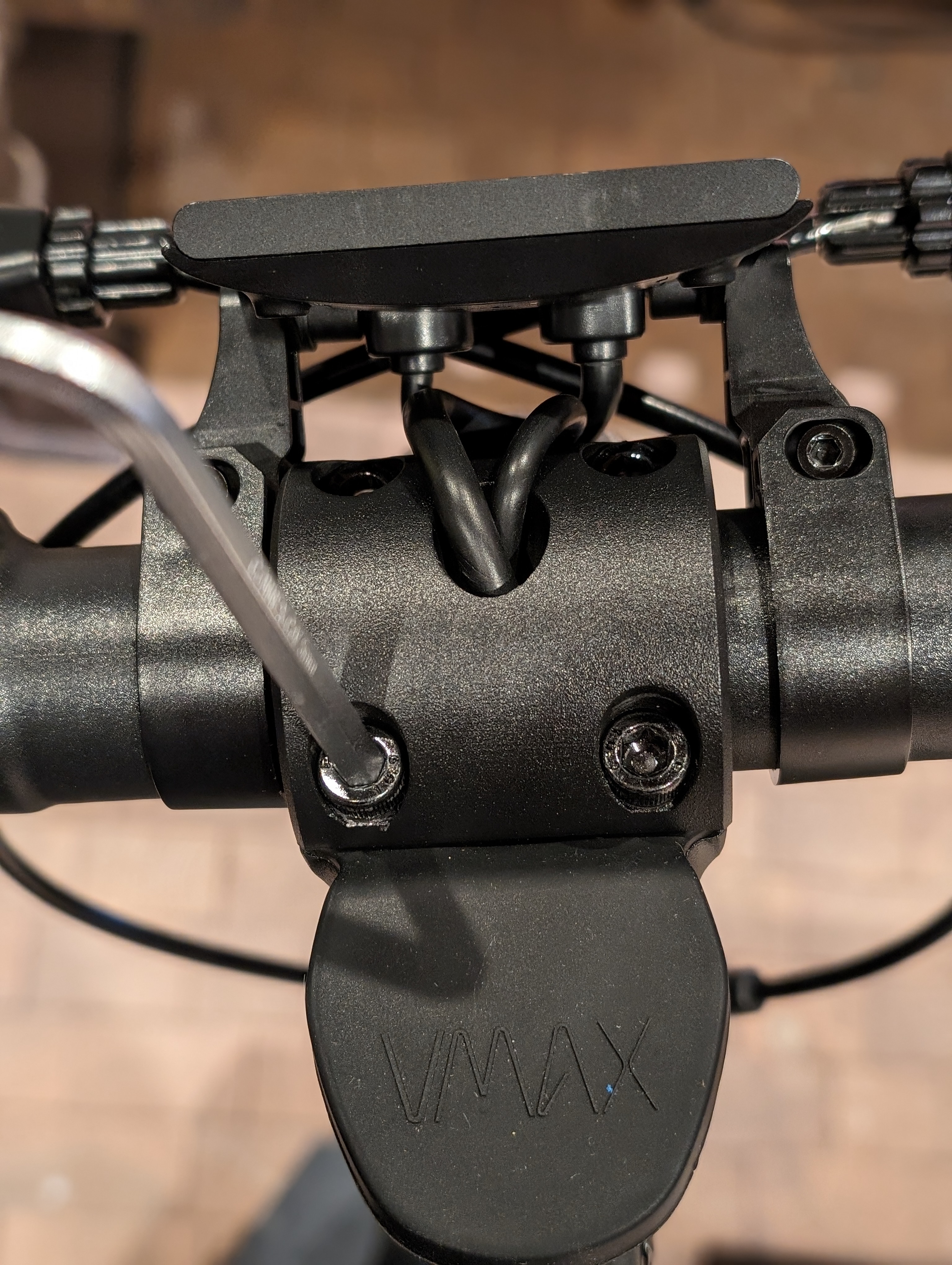
Next, loosen the clamp of the handlebar to gain access to the connectors.
Disconnect the connectors
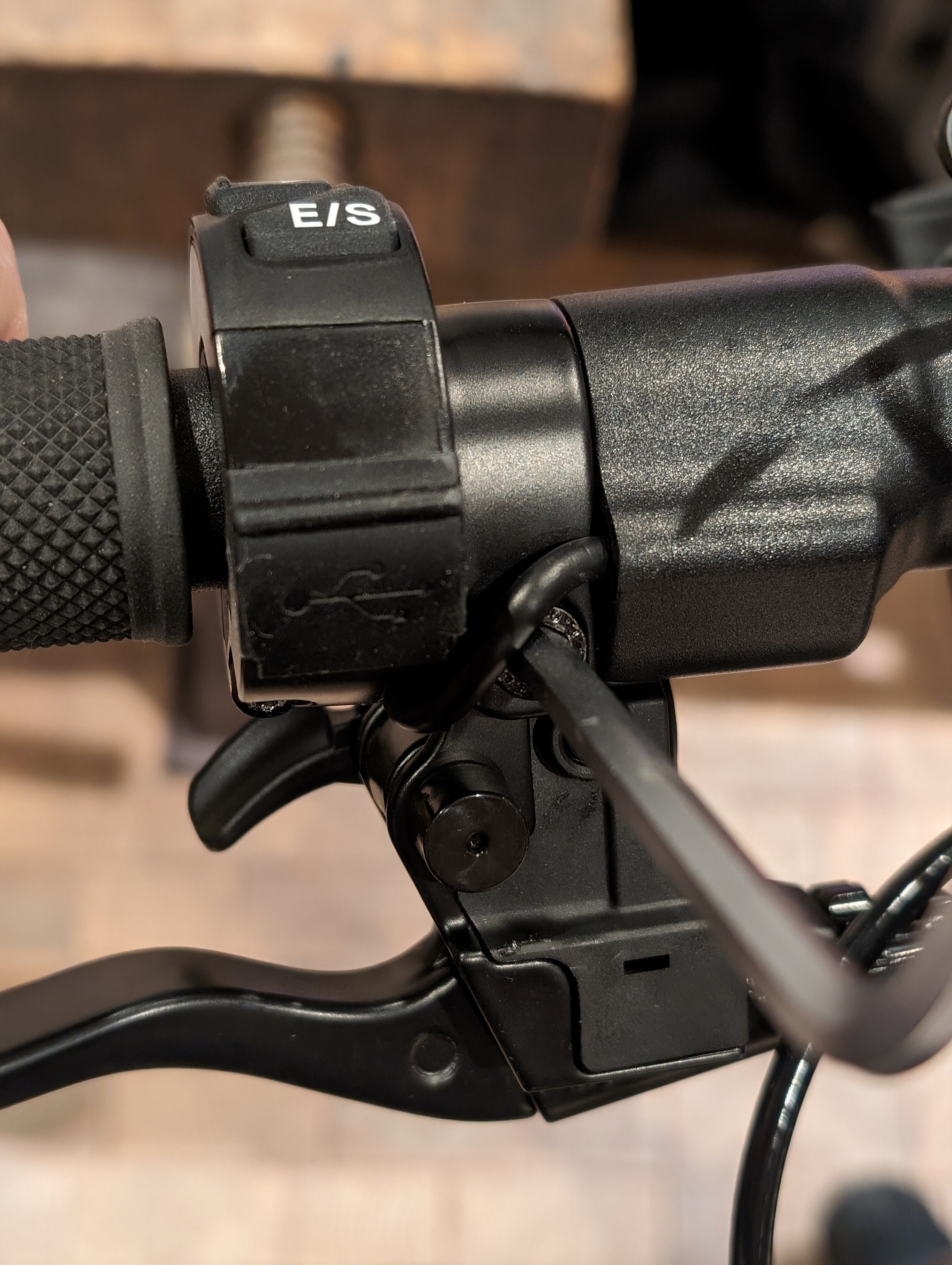
Here you can see the connectors that connect the display to the individual controls and the electronics in the scooter. Disconnect the relevant connectors of the affected part.
To ensure that you can neatly route the cable back inside the handlebar later, disconnect all components on the corresponding side of the handlebar.
Loosen the clamp screw on the handlebar
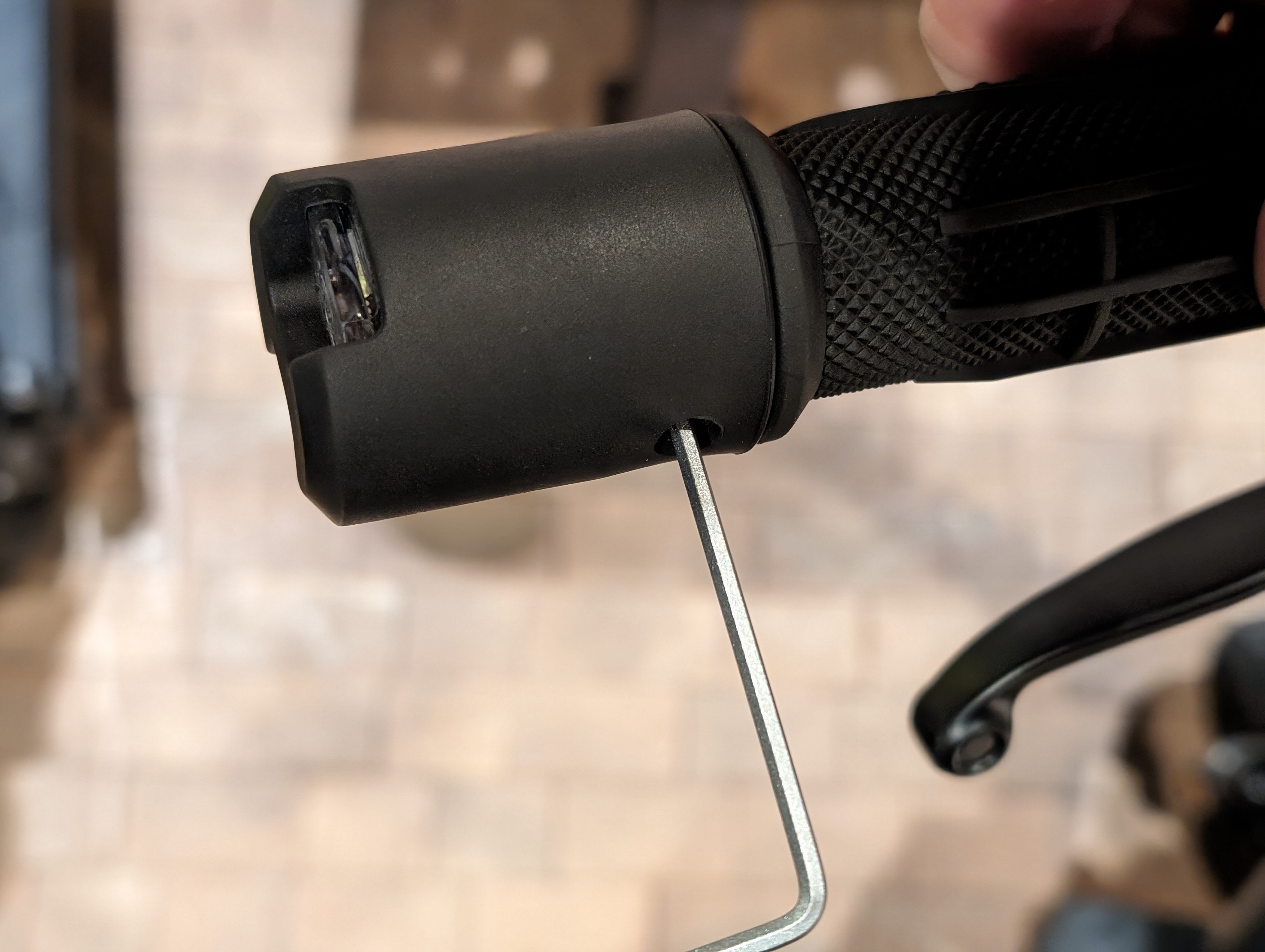
You will find a clamp screw on the underside of the handlebar. Loosen this to remove the controls or the turn signal from the handlebar.
Install new components and insulate connections
Before attaching new components, prepare the heat shrink tubing if necessary and slide it over the connectors.
Then, reattach all components to the handlebar and insulate the connectors with heat shrink tubing or electrical tape.
Reattach the handlebar and cover
Now reattach the handlebar under the steering head and remount the cover of the front light as well as the light itself.
Check the result
After reassembly, check if all controls are properly seated and the turn signals are functioning correctly. Pay special attention to the secure routing of cables, the connectors, and the tight fit at the handlebar.
Frequently Asked Questions
Here you will find answers to common questions about this repair.
Why do I have to loosen the components on one side of the handlebar?
This allows you to route the cable of the affected component back neatly through the handlebar and hide it inside.
Can I use electrical tape instead of heat shrink tubing?
Yes, according to the instructions, you can use either electrical tape or heat shrink tubing to insulate the connectors.
What should I do if the turn signal or control does not work after installation?
First, check all connectors and ensure that the cables are correctly connected and properly insulated. If the problem persists, the wiring should be checked more closely.